Texas
Mud out, level unchanged
Texas is a wide, level-matched cut over the muddy area. From 0 to 18 dB of cut the output moves 0.04 dB, so you judge the tone instead of the loudness. Width shapes it to the drum.
Kick drum channel · VST3 · AU
A complete kick channel for big modern rock and metal. Texas takes the mud out of the low mids and the output level stays where it was.
Click builds the beater attack from your own kick, so there is no sample to line up and nothing that sounds pasted on.
Texas
Texas is a wide, level-matched cut over the muddy area. From 0 to 18 dB of cut the output moves 0.04 dB, so you judge the tone instead of the loudness. Width shapes it to the drum.
Click
Close kick mics carry almost nothing above 250 Hz. Click takes the kick's own attack band through a tube stage before the compressor, so the click gets the same treatment as the hit.
Room
Both reverbs get a fourth-order send high-pass at 300 Hz. The thump stays in front and the room only carries the attack.
Sync
Kick listens to the Snare plugin, measures its own delay on the 50–400 Hz band and moves into line. On a real session it found the subkick 6.9 ms late.
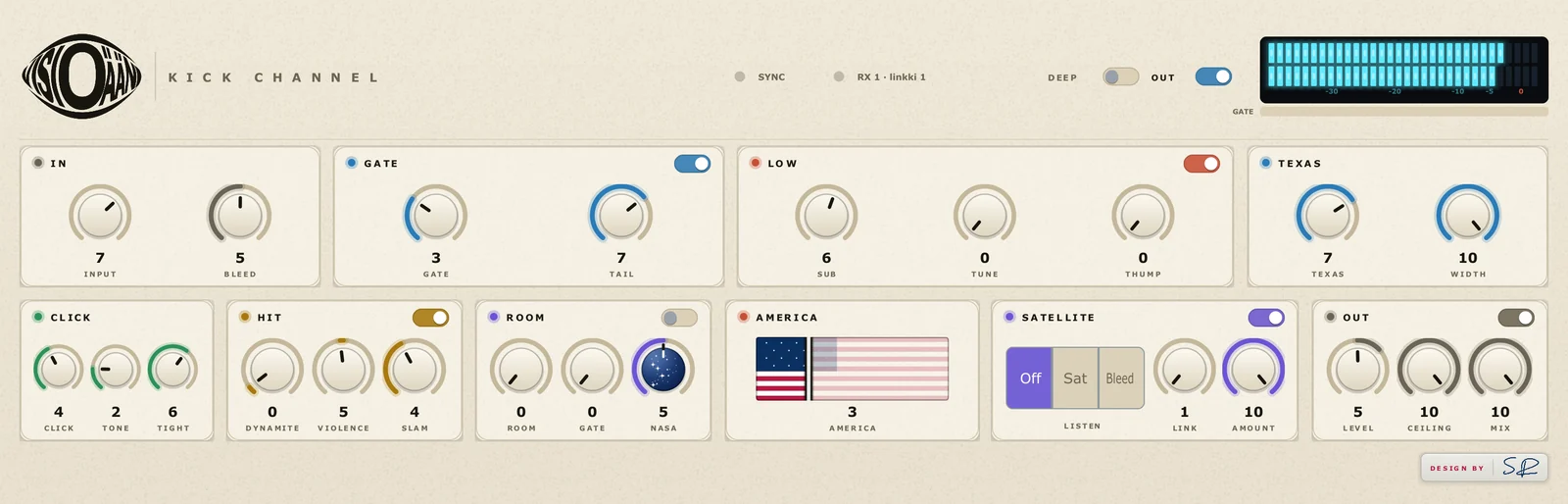
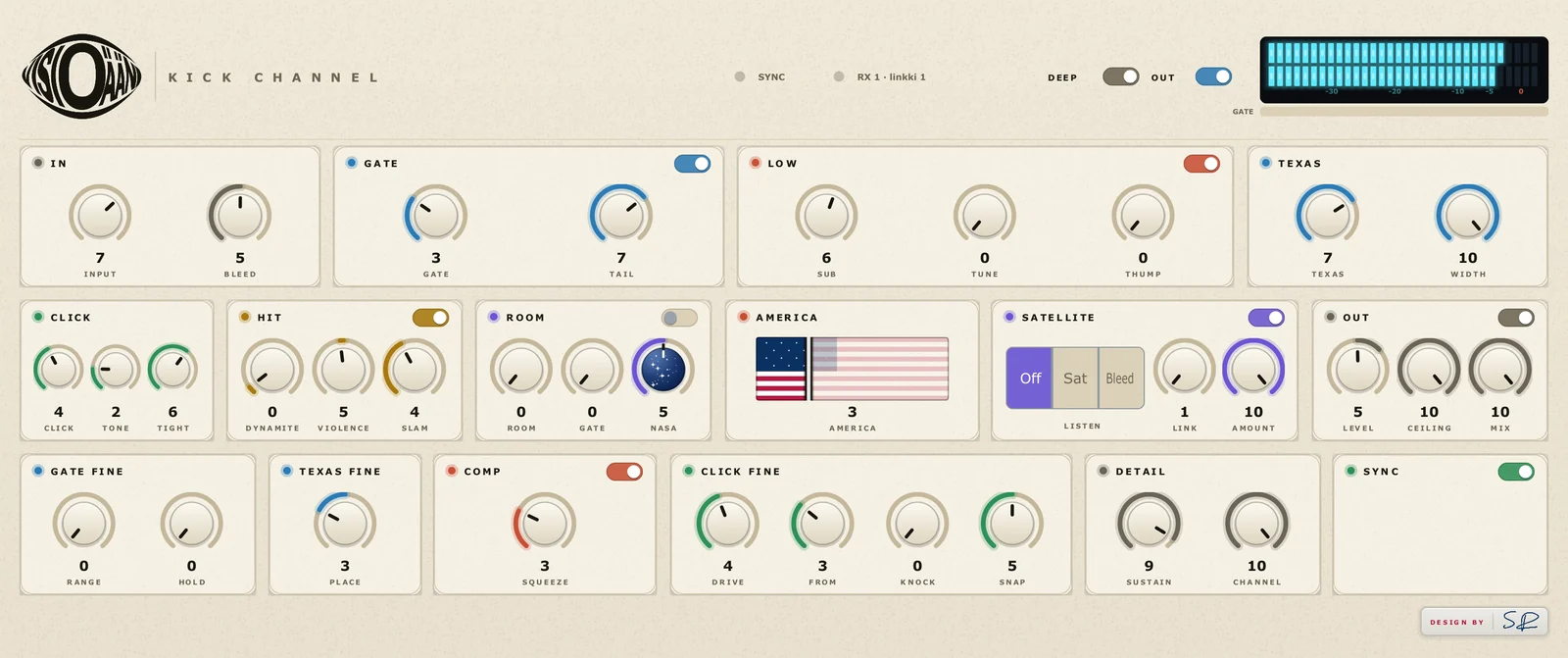
The front panel, left to right and top to bottom. Every control reads 0–10. DEEP adds: Gate Fine, Texas Fine, Comp, Click Fine, Detail, Sync.
| Module | Controls | What it does |
|---|---|---|
| In | Input · Bleed | Input trim and bleed control before anything else. |
| Gate | Gate · Tail | Keeps snare and tom spill out of the kick mic. Tail sets how the hit closes. |
| Low | Sub · Tune · Thump | Sub weight, the drum's own note and the punch above it. |
| Texas | Texas · Width | Level-matched cut over the muddy area. |
| Click | Click · Tone · Tight | Beater attack generated from the kick itself. |
| Hit | Dynamite · Violence · Slam | Attack, tail length and parallel squash, level-matched. |
| Room | Room · Gate · Nasa | Tiled room and chamber with a high-passed send, gate and width. |
| America | America | Weight against attack, last in the chain. |
| Satellite | Listen · Link · Amount | Removes hi-hat bleed using the Hihat + Cymbal plugin as the reference. |
| Out | Level · Ceiling · Mix | Look-ahead limiter and dry/wet. |
Four kick tracks, defaults only, share of energy per band.
| Band | Raw | Defaults |
|---|---|---|
| Below 60 Hz | 30–34 % | 21–23 % |
| 60–120 Hz (the thump) | 54–62 % | 64–70 % |
| 120–250 Hz (body) | 17–20 % | 17–20 % |
| 1.5–4 kHz (beater) | 0.0 % | 0.2–0.3 % |
| Tail, one kick (BD_17) | 30.1 ms | 10.5 ms |
No. Click is generated from the kick's own attack band through a tube stage, so it follows every hit, including the quiet ones.
Yes. Put one instance on each mic. Sync lines each of them up with the snare on its own, and a subkick is typically several milliseconds late because the speaker cone has its own delay.
Sync needs a fixed 10 ms window to move the track earlier, and the limiter looks ahead. The latency never changes while you work, and your DAW compensates it.
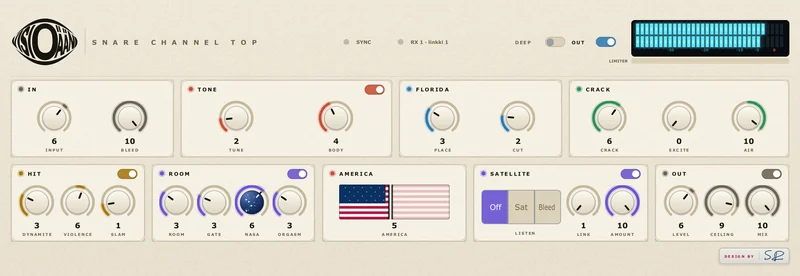
Florida removes the cardboard without dropping your level. Tune builds the body at the drum's own note, Crack and Air put the top on, and a chamber sits behind it.
Florida shaper · chamber Details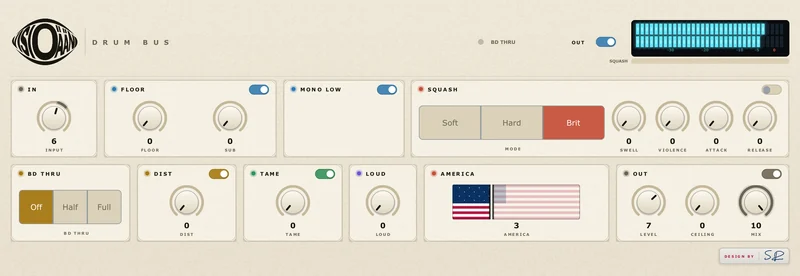
Glue that leaves the sub alone. Floor at 30 Hz, Soft, Hard or Brit squash, Tame for the 4 kHz pile-up, Loud for level without the squash, and Mono Low.
No-pump glue · Loud Details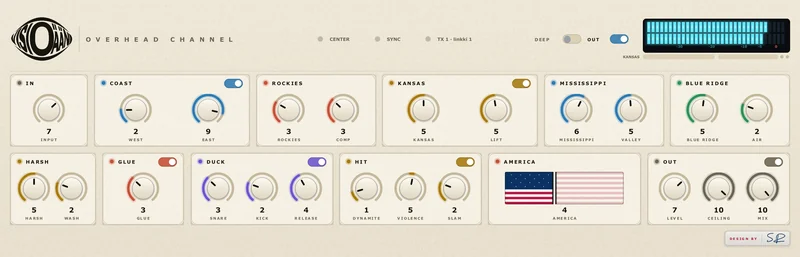
The whole kit as one picture with the cymbals tamed. A west-to-east EQ map, Kansas compression in the middle and a Duck that hears the snare and kick.
Coast to coast DetailsOne email when the plugins go on sale, with the launch price and gain-matched before-and-after examples. Nothing else, and you can leave the list at any time.