How to phase-align a multitrack drum kit
Short answer. Use the snare top as the reference. Measure each mic's delay against it with cross-correlation on the band where that mic's own drum dominates, shift the later mics into line, and flip polarity only where the measurement agrees. Keep the plugin first in the chain so other plugins' latency does not distort the measurement, and save the result with the project so the render matches what you heard.
Pick one reference
The snare top is the best reference: it is close to the center of the kit, it is in every other mic, and its transient is sharp. Everything else is measured against it.
Measure on the right band
Each mic is measured where its own drum dominates both mics: 50–400 Hz for the kick, 80–400 Hz for the bottom snare (head movement, not wire noise), 150–2500 Hz for toms, 200–1500 Hz for overheads. A weighted cross-correlation (GCC-PHAT) gives a sharp peak at the delay.
Typical results from a real session
| Pair | Measured | Effect |
|---|---|---|
| Subkick → snare | 6.9 ms late | A speaker cone used as a mic has its own delay |
| Overheads → snare | 3.1 ms ≈ 1.1 m, reversed | Summed transient peak −4.4 → −2.1 dBFS; the shift alone gave −7.1 |
| Bottom → top snare | 0.35 ms ≈ 12 cm | Peak −4.7 → −3.5 dBFS |
Polarity: only where the measurement agrees
Flip the kick or the overheads only when repeated measurements agree. Never flip the bottom snare automatically, because its flip is intentional. Do not flip toms: when the best sum needed a flip, moving the tom without it made the sum 0.6 dB worse, so the tom is better left alone.
Pitfalls
- Plugins before the aligner add their own latency to the measurement. Put the aligner first.
- Changing latency while you work breaks automation and makes renders differ. A fixed window (10 ms) lets the aligner move tracks earlier without ever changing the reported latency.
- Sandboxed hosts (AUv3, Logic's sandbox, plugin bridges) cannot share a reference between plugins.
In Visioääni
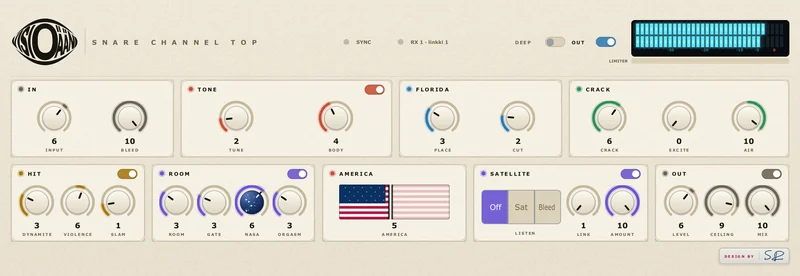
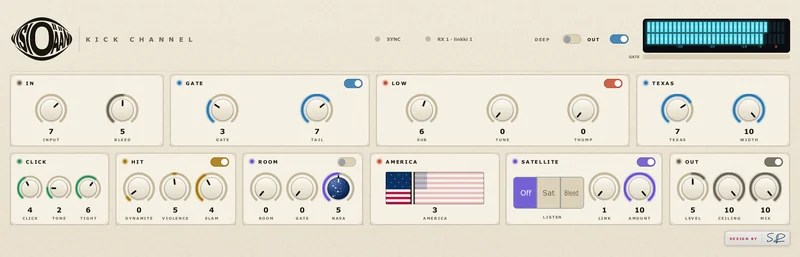
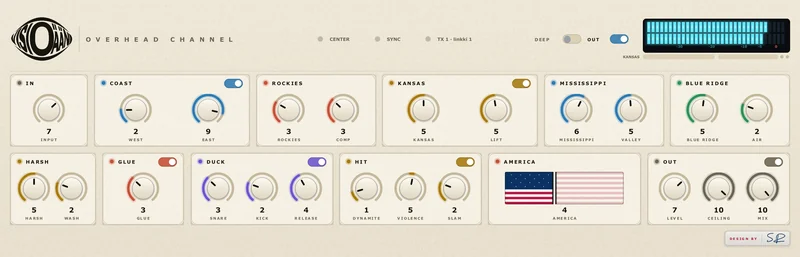
Sync is on by default in every channel plugin. The snare is the hub; the others measure, vote (8 of the last 12 measurements must agree) and move. A small SYNC light shows the state: yellow measuring, green in line, blue for the hub and Ø when the polarity was flipped. The result is saved with the project.